String Reversal Algorithm
Reverse a string. "hello" becomes "olleh". It's the "Hello, World!" of algorithm problems — but there's more depth here than you'd expect.
15 Mar 2024
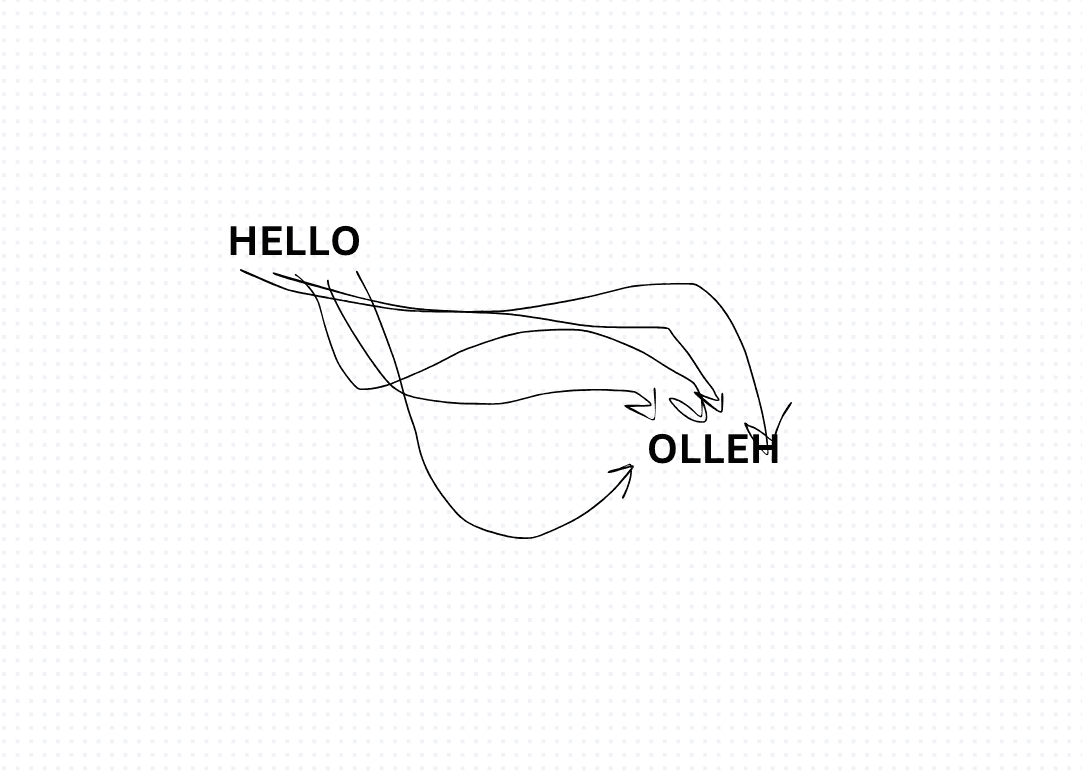
Reverse a string. "hello" becomes "olleh". It's the "Hello, World!" of algorithm problems — but there's more depth here than you'd expect.
Three approaches, each with different trade-offs.
Iterative
Walk backwards through the string. Build a new one character by character.
function reverseIterative(str) {
    let reversed = '';
    for (let i = str.length - 1; i >= 0; i--) {
        reversed += str[i];
    }
    return reversed;
}
Time: O(n). Space: O(n) for the new string. In JavaScript, string concatenation in a loop can be O(n²) in older engines because strings are immutable — each += creates a new string. Modern engines optimize this, but it's worth knowing.
Recursive
Take the first character, put it at the end. Recurse on the rest.
function reverseRecursive(str) {
    if (str.length <= 1) return str;
    return reverseRecursive(str.slice(1)) + str[0];
}
Time: O(n). Space: O(n) call stack. This will blow the stack on very long strings. Elegant but impractical for large inputs.
Built-in
Split into an array, reverse, join back. One line.
function reverseBuiltin(str) {
    return str.split('').reverse().join('');
}
Time: O(n). Space: O(n). This is what I'd write in production. It's clear, fast enough, and everyone on the team understands it instantly.
Which one to use?
In an interview, they usually want the iterative or two-pointer approach to prove you understand the mechanics. In production, use the built-in. Readability wins when performance is equivalent.
One gotcha: split('') breaks on multi-byte Unicode characters (emojis, etc.). Use [...str] spread instead if that matters.
Production-Ready Systems with LLMs and Agents
A live Maven cohort, 5 October to 2 November: eight 90-minute sessions where you build LLM and agent systems that survive real traffic, real cost and real failure. Tuesdays and Thursdays, 7:30 to 9:00pm London.
Cohort 2 starts 5 October. Eight live sessions, $1,500.
View the live cohortKeep reading
- The Algorithms Worth Knowing in Code Review: Cutting Big O Without Being Clever
- Tracking Down the Mystery: Finding the Unique Delivery ID
- Elusive Least Occurring Number in an Array
- Solving the Height of a Binary Tree Puzzle
- Harry Potter Discounts: A Code Challenge Algorithm
- Implementing a Task Heap Service in TypeScript