Cookie Limitations in TypeScript
Cookies are the oldest client-side storage mechanism on the web. They were designed in the 1990s for small pieces of data that travel with every HTTP requ...
1 May 2024
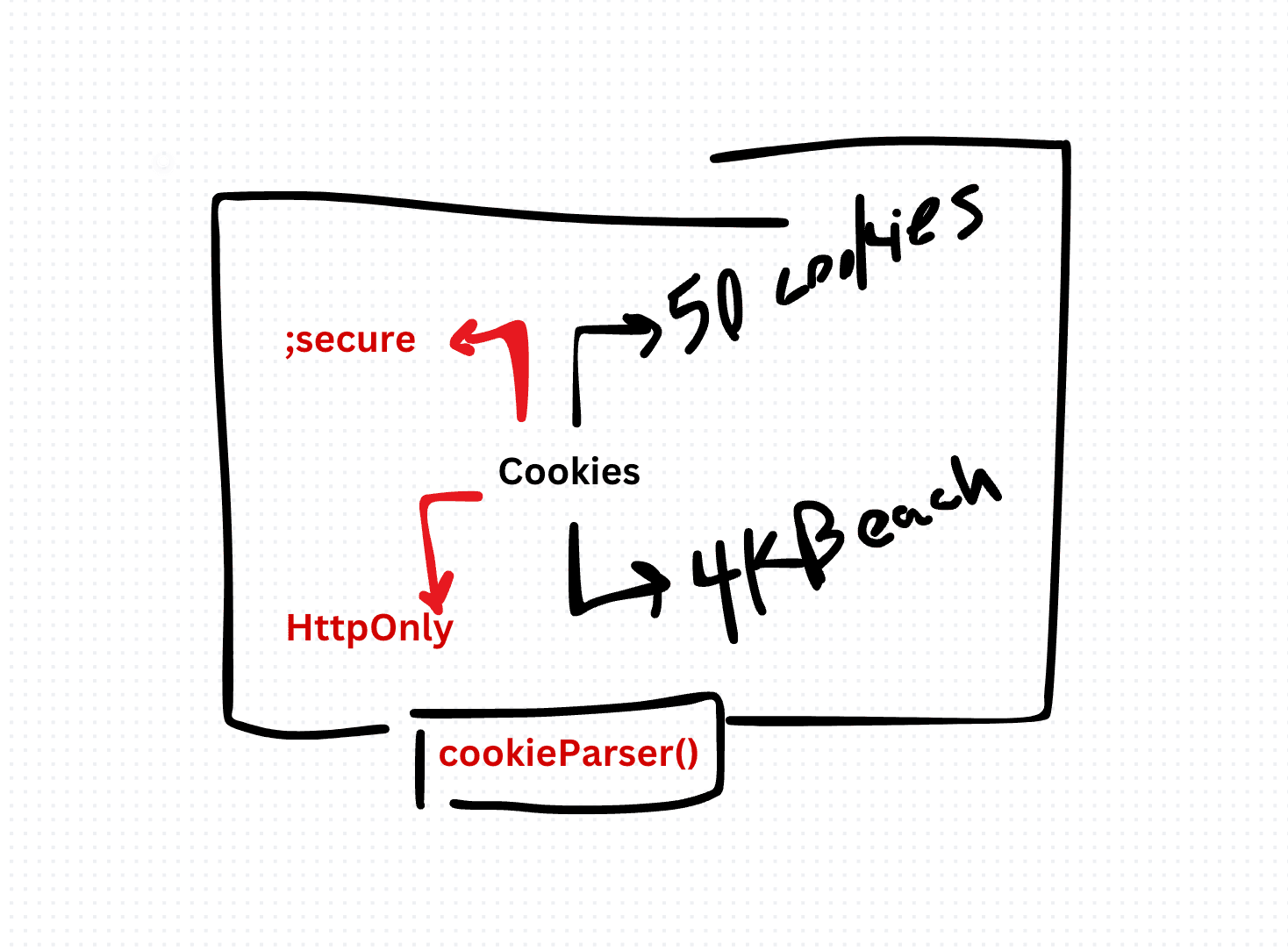
Cookies are the oldest client-side storage mechanism on the web. They were designed in the 1990s for small pieces of data that travel with every HTTP request. That design comes with constraints that still bite developers today.
The Limitations
4 KB per cookie. Each cookie is capped at roughly 4 KB. That's the total size including the name, value, and attributes. Try to store more and the browser silently truncates or discards it.
~50 cookies per domain. Browsers limit the number of cookies per origin. Exceed the limit and older cookies get deleted without warning.
Sent with every HTTP request. This is the big one. Every cookie for a domain is attached to every request to that domain -- page loads, API calls, image requests, everything. Store 20 cookies at 4 KB each and you're adding 80 KB to every single request. That's pure overhead.
String-only values. Cookies store plain strings. No objects, no arrays, no types.
Security concerns. Cookies are vulnerable to XSS attacks unless marked HttpOnly, and to CSRF attacks unless you use SameSite attributes. Getting the flags right matters.
Working with Cookies in TypeScript
Setting a cookie with proper attributes:
function setCookie(
  name: string,
  value: string,
  days: number,
  secure = true
): void {
  const expires = new Date(Date.now() + days * 864e5).toUTCString();
  document.cookie = `${name}=${encodeURIComponent(value)};expires=${expires};path=/;${secure ? 'Secure;' : ''}SameSite=Strict`;
}
Reading a specific cookie:
function getCookie(name: string): string | null {
  const match = document.cookie
    .split('; ')
    .find(row => row.startsWith(`${name}=`));

  return match ? decodeURIComponent(match.split('=')[1]) : null;
}
Deleting a cookie:
function deleteCookie(name: string): void {
  document.cookie = `${name}=;expires=Thu, 01 Jan 1970 00:00:00 GMT;path=/`;
}
A type-safe cookie helper:
interface CookieOptions {
  days?: number;
  path?: string;
  secure?: boolean;
  sameSite?: 'Strict' | 'Lax' | 'None';
}

function setTypedCookie<T>(
  name: string,
  value: T,
  options: CookieOptions = {}
): void {
  const { days = 7, path = '/', secure = true, sameSite = 'Strict' } = options;
  const expires = new Date(Date.now() + days * 864e5).toUTCString();
  const encoded = encodeURIComponent(JSON.stringify(value));
  document.cookie = `${name}=${encoded};expires=${expires};path=${path};${secure ? 'Secure;' : ''}SameSite=${sameSite}`;
}

function getTypedCookie<T>(name: string): T | null {
  const raw = getCookie(name);
  if (!raw) return null;
  try {
    return JSON.parse(raw) as T;
  } catch {
    return null;
  }
}
When to Use Cookies vs Alternatives
Use cookies for: Authentication tokens (with HttpOnly and Secure flags set server-side), small preference flags, tracking identifiers that need to travel with requests.
Use localStorage for: Larger client-side data that doesn't need to go to the server. No request overhead.
Use sessionStorage for: Tab-scoped temporary data that should vanish when the tab closes.
The document.cookie API is notoriously awkward. If you're doing anything beyond basic usage, consider a small wrapper library or the newer CookieStore API (where supported). The raw API hasn't improved since 1994.
Production-Ready Systems with LLMs and Agents
A live Maven cohort, 5 October to 2 November: eight 90-minute sessions where you build LLM and agent systems that survive real traffic, real cost and real failure. Tuesdays and Thursdays, 7:30 to 9:00pm London.
Cohort 2 starts 5 October. Eight live sessions, $1,500.
View the live cohort