Magic of WebP: Making Your Website Faster and Prettier
I converted a project's image assets from PNG to WebP. The total image payload dropped from 12MB to 3MB. Same visual quality. Four times less bandwidth. T...
13 May 2024
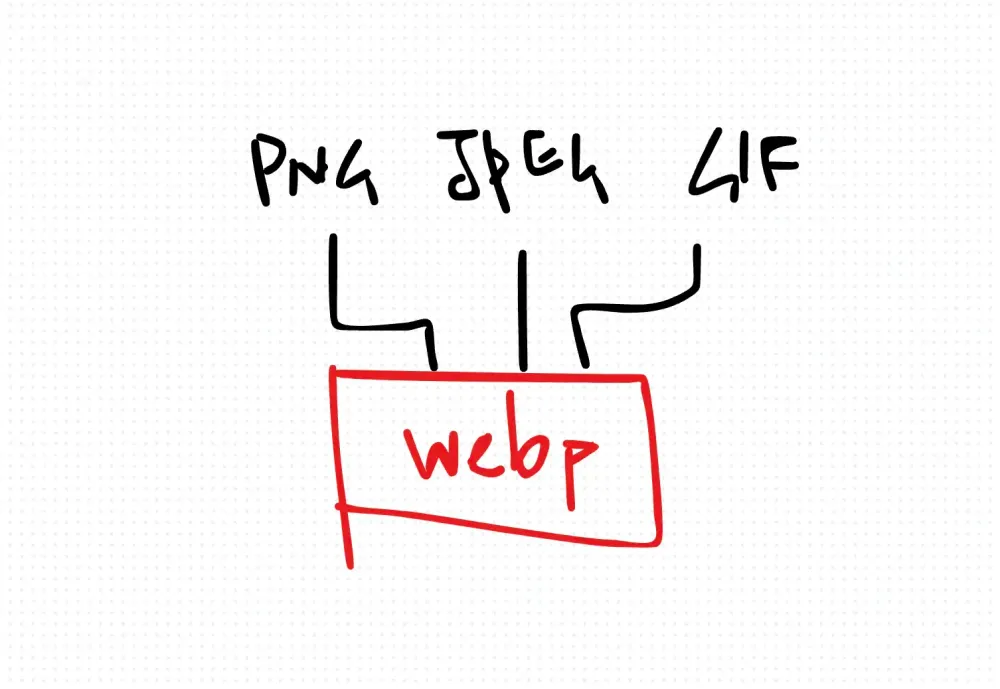
I converted a project's image assets from PNG to WebP. The total image payload dropped from 12MB to 3MB. Same visual quality. Four times less bandwidth. That's not a micro-optimization. That's a different experience for users on mobile networks.
WebP is an image format created by Google. It does lossy and lossless compression, supports transparency (like PNG), and handles animation (like GIF). It produces smaller files than JPEG or PNG at equivalent quality. Every major browser supports it now.
Why WebP wins
- Smaller files. WebP lossy images are typically 25-35% smaller than JPEG at the same quality. WebP lossless images are 26% smaller than PNG.
- Transparency without bloat. PNG transparency is expensive in file size. WebP handles alpha channels at a fraction of the cost.
- Animation without GIF's limitations. GIF supports only 256 colors and produces massive files. WebP animation supports full color and much better compression.
Converting your assets
I use a simple bash script to batch-convert PNG files:
#!/bin/bash
for file in *.png
do
  cwebp -q 80 "$file" -o "${file%.png}.webp"
done
You need cwebp installed (part of Google's libwebp package). The -q 80 flag sets quality to 80%, which is a good balance between size and visual fidelity.
For JPEG sources, the same tool works:
for file in *.jpg; do
  cwebp -q 80 "$file" -o "${file%.jpg}.webp"
done
Handling browser fallbacks
While browser support is near-universal now, if you need to support older browsers, use the <picture> element:
<picture>
  <source srcset="image.webp" type="image/webp">
  <img src="image.png" alt="Fallback for older browsers">
</picture>
The browser picks the first source it supports. Modern browsers get WebP. Old browsers get PNG.
The trade-offs
WebP encoding is slower than JPEG encoding. If you're doing real-time image processing on a server, this matters. For static assets that you convert once at build time, it doesn't.
WebP also doesn't support progressive loading the way JPEG does. A JPEG can render a blurry preview while it's still downloading. WebP renders nothing until the file is complete. For very large hero images, this can feel slower even though the total download time is shorter.
For most web projects, WebP is the right default. Convert your assets, serve them with proper Content-Type headers, and move on.
Production-Ready Systems with LLMs and Agents
A live Maven cohort, 5 October to 2 November: eight 90-minute sessions where you build LLM and agent systems that survive real traffic, real cost and real failure. Tuesdays and Thursdays, 7:30 to 9:00pm London.
Cohort 2 starts 5 October. Eight live sessions, $1,500.
View the live cohortKeep reading
- React 19 Performance Secrets, Concurrent Rendering, Suspense & Real Tips
- Lazy Loading in HTML and CSS: Enhancing Performance and User Experience
- Edge Rendering with Next.js and Cloudflare Workers
- Rolling Out an Internal UI Component Library
- What is a Design System According to Atlassian?
- CSS Houdini: New Possibilities for Your CSS