Understanding Database Aggregates in TypeScript
Aggregate functions take many rows and return one value. "How many users?" "What's the average order size?" "What's the highest salary?"
29 Apr 2024
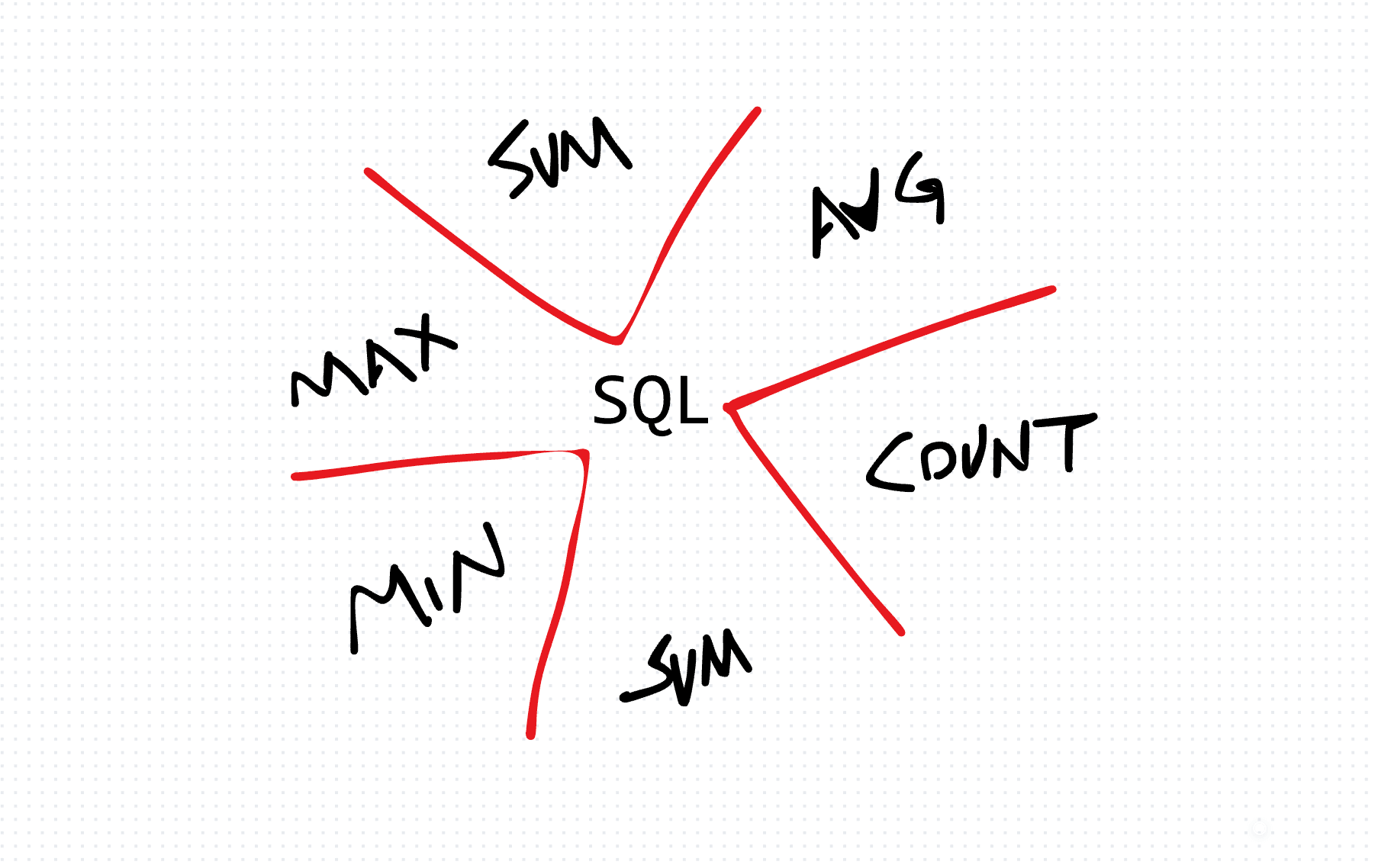
Aggregate functions take many rows and return one value. "How many users?" "What's the average order size?" "What's the highest salary?"
The database does the math. You don't pull all rows into your application and loop through them.
Here's how the five core aggregates work, with TypeScript examples for running them against a real database.
COUNT
How many rows match?
const countQuery = `SELECT COUNT(*) AS total_users FROM users`
const result = await connection.query(countQuery)
console.log(`Total users: ${result[0].total_users}`)
COUNT(*) counts all rows. COUNT(column_name) counts non-null values in that column. The difference matters when you have nullable columns.
SUM
Add up a column's values:
const sumQuery = `SELECT SUM(amount) AS total_revenue FROM orders`
const result = await connection.query(sumQuery)
console.log(`Total revenue: ${result[0].total_revenue}`)
SUM ignores nulls. If every value is null, the result is null (not zero).
AVG
The average:
const avgQuery = `SELECT AVG(salary) AS avg_salary FROM employees`
const result = await connection.query(avgQuery)
console.log(`Average salary: ${result[0].avg_salary}`)
AVG also ignores nulls. If 10 employees have salaries and 2 have null, the average is computed from 10 values, not 12.
MIN and MAX
The smallest and largest values:
const minMaxQuery = `SELECT MIN(price) AS cheapest, MAX(price) AS most_expensive FROM products`
const result = await connection.query(minMaxQuery)
console.log(`Range: ${result[0].cheapest} to ${result[0].most_expensive}`)
Works on numbers, dates, and strings (alphabetical order for strings).
Combining with GROUP BY
Aggregates become powerful when combined with GROUP BY:
const groupQuery = `
    SELECT department, COUNT(*) AS headcount, AVG(salary) AS avg_salary
    FROM employees
    GROUP BY department
`
One row per department. Each with its headcount and average salary. This is the query shape that answers most business questions.
The trade-off
Running aggregates in the database is almost always faster than fetching all rows and computing in your application. The database engine is optimized for this.
The cost: complex aggregate queries can be hard to read and debug. When a query gets beyond 3-4 levels of grouping and filtering, consider breaking it into CTEs (WITH clauses) for clarity, or moving the logic into a database view.
Production-Ready Systems with LLMs and Agents
A live Maven cohort, 5 October to 2 November: eight 90-minute sessions where you build LLM and agent systems that survive real traffic, real cost and real failure. Tuesdays and Thursdays, 7:30 to 9:00pm London.
Cohort 2 starts 5 October. Eight live sessions, $1,500.
View the live cohort