IntersectionObserver: A Game-Changer for Web Developers
I used to detect element visibility by attaching a scroll listener and calling getBoundingClientRect() on every frame. It worked. It also tanked performan...
23 Apr 2024
I used to detect element visibility by attaching a scroll listener and calling getBoundingClientRect() on every frame. It worked. It also tanked performance on pages with more than a handful of observed elements.
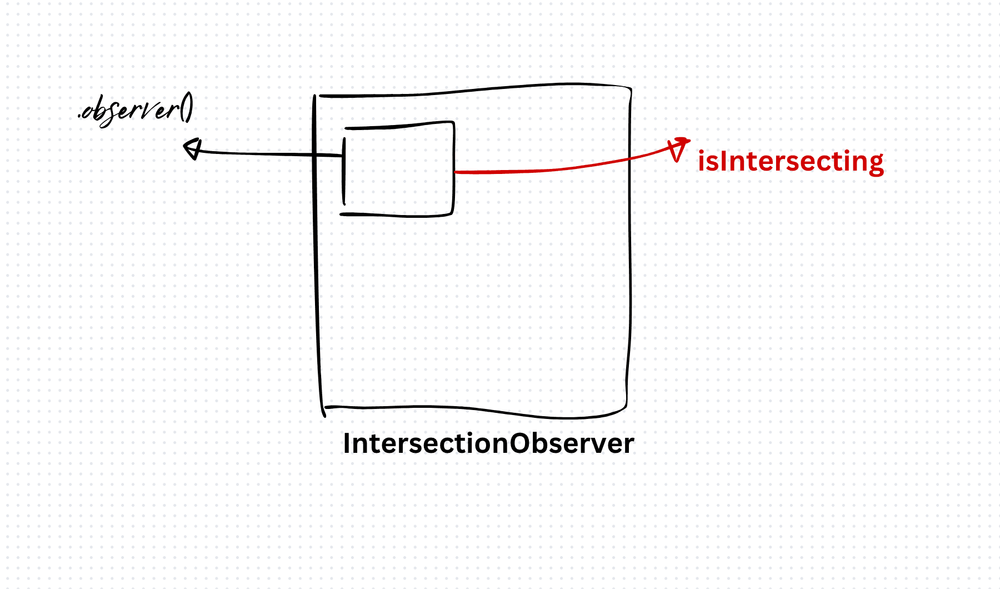
IntersectionObserver replaces all of that with a single, browser-optimized API. You tell it which element to watch. It tells you when that element enters or exits the viewport. No scroll listeners. No manual calculations.
How it works
const observer = new IntersectionObserver((entries) => {
  entries.forEach((entry) => {
    if (entry.isIntersecting) {
      const image = new Image();
      image.src = 'image.jpg';
    }
  });
}, {
  root: null,       // observe relative to the viewport
  threshold: 0.5    // trigger when 50% visible
});

const target = document.getElementById('target');
observer.observe(target);
The callback fires when the target element crosses the threshold. You can set multiple thresholds ([0, 0.25, 0.5, 0.75, 1]) to get notified at different visibility levels.
Real-world uses
- Lazy loading images. Only load images when they scroll into view. This is the most common use case and it's already built into browsers with
loading="lazy", butIntersectionObservergives you more control. - Infinite scroll. Observe a sentinel element at the bottom of the list. When it becomes visible, fetch the next page.
- Analytics. Track which sections of a page users actually see.
- Animations. Trigger entrance animations when elements come into view.
The trade-off
IntersectionObserver offloads visibility detection to the browser. It runs on a separate thread from your JavaScript, so it doesn't block the main thread. That's a significant performance win over scroll-based approaches.
The limitation: you can only observe visibility. You can't measure exact pixel positions, distances from the viewport edge, or element dimensions. For those, you still need getBoundingClientRect() — but call it sparingly, not inside a scroll listener.
Browser support is excellent. Everything modern supports it. For older browsers, a polyfill exists, but at this point you're unlikely to need it.
Production-Ready Systems with LLMs and Agents
A live Maven cohort, 5 October to 2 November: eight 90-minute sessions where you build LLM and agent systems that survive real traffic, real cost and real failure. Tuesdays and Thursdays, 7:30 to 9:00pm London.
Cohort 2 starts 5 October. Eight live sessions, $1,500.
View the live cohortKeep reading
- TypeScript Anti-Patterns That Cost You Twice: Build Time, Runtime, and the Interview
- The Frontend Toolchain Is Now Written in Rust and Go. What That Means for You
- oxlint vs ESLint: Why I Replaced ESLint with oxlint
- SystemJS Is Dead. Native ESM Finally Won.
- Replace Axios with a Simple Custom Fetch Wrapper (Production-Ready Guide)
- Stop Shipping ChatGPT Wrappers. Ship an Agent in TypeScript, or Don't Bother.