Omit, Pick, and Exclude in TypeScript
You have a type. You need a variation of it — same shape, minus a few fields. Or only a few fields. TypeScript gives you Omit, Pick, and Exclude for exact...
23 Apr 2024
You have a type. You need a variation of it — same shape, minus a few fields. Or only a few fields. TypeScript gives you Omit, Pick, and Exclude for exactly this.
Omit — remove properties from a type
interface User {
  name: string;
  age: number;
  email: string;
}

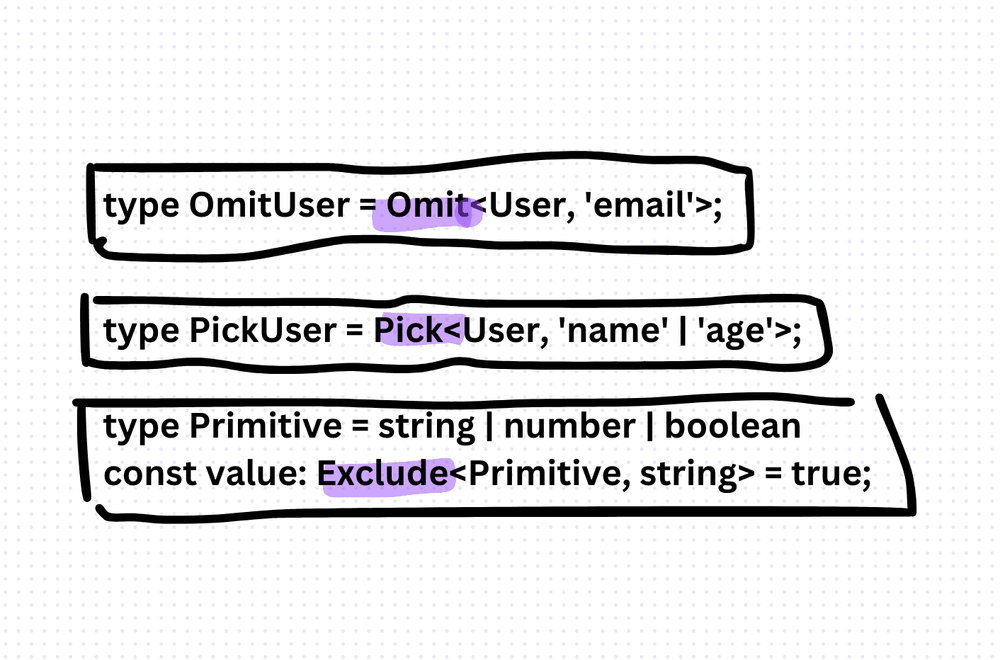
type UserWithoutEmail = Omit<User, 'email'>;
UserWithoutEmail has name and age, but no email. I use this constantly for API responses where I need to strip sensitive fields before sending data to the client.
Pick — keep only specific properties
type UserNameAndAge = Pick<User, 'name' | 'age'>;UserNameAndAge has only name and age. The inverse of Omit. Use it when you want a subset of a larger type — say, for a summary view or a form that only touches certain fields.
Exclude — remove types from a union
Exclude works on union types, not object properties. That's the key distinction.
type Primitive = string | number | boolean;
const value: Exclude<Primitive, string> = true; // number | boolean
It removes specific members from a union. If you try to use Exclude on an interface like User, it won't do what you expect — that's what Omit is for.
The trade-off
These utilities make type transformations clean and composable. But they can also make code harder to read when nested. If I see Pick<Omit<User, 'email'>, 'name'>, I'd rather see a named type alias that describes the intent. Readability always wins over cleverness.
Production-Ready Systems with LLMs and Agents
A live Maven cohort, 5 October to 2 November: eight 90-minute sessions where you build LLM and agent systems that survive real traffic, real cost and real failure. Tuesdays and Thursdays, 7:30 to 9:00pm London.
Cohort 2 starts 5 October. Eight live sessions, $1,500.
View the live cohortKeep reading
- TypeScript Anti-Patterns That Cost You Twice: Build Time, Runtime, and the Interview
- The Frontend Toolchain Is Now Written in Rust and Go. What That Means for You
- oxlint vs ESLint: Why I Replaced ESLint with oxlint
- SystemJS Is Dead. Native ESM Finally Won.
- Replace Axios with a Simple Custom Fetch Wrapper (Production-Ready Guide)
- Stop Shipping ChatGPT Wrappers. Ship an Agent in TypeScript, or Don't Bother.